 Repeat Timer
 Download
Repeat Timer
Download
Set your work and rest times, choose the number of rounds and press Start. You’ll hear a sound when it’s time to rest and a rising tone when it’s time to go.
Keep this tab open for the timer to keep running. Need it with your phone locked or in your pocket? Get Repeat Timer for iPhone.
HIIT, or high-intensity interval training, alternates short bursts of hard effort with periods of easier recovery. Because the work periods are intense, sessions are usually short: often 10 to 30 minutes.
A 1:1 ratio such as 30 seconds on and 30 off is a good place to start. As you get fitter, try 2:1 (40 / 20) or 3:1 (45 / 15). For longer efforts, 60 seconds on and 30 off works well.
Most HIIT sessions use 6 to 12 rounds. If you’re doing several exercises, set the rounds to the number of exercises and move to the next one after each rest.
Yes. The alert sounds are scheduled in advance, so they play on time even in a background tab. On a phone, the browser may pause the page when the screen locks; the iPhone app doesn’t have that limit.
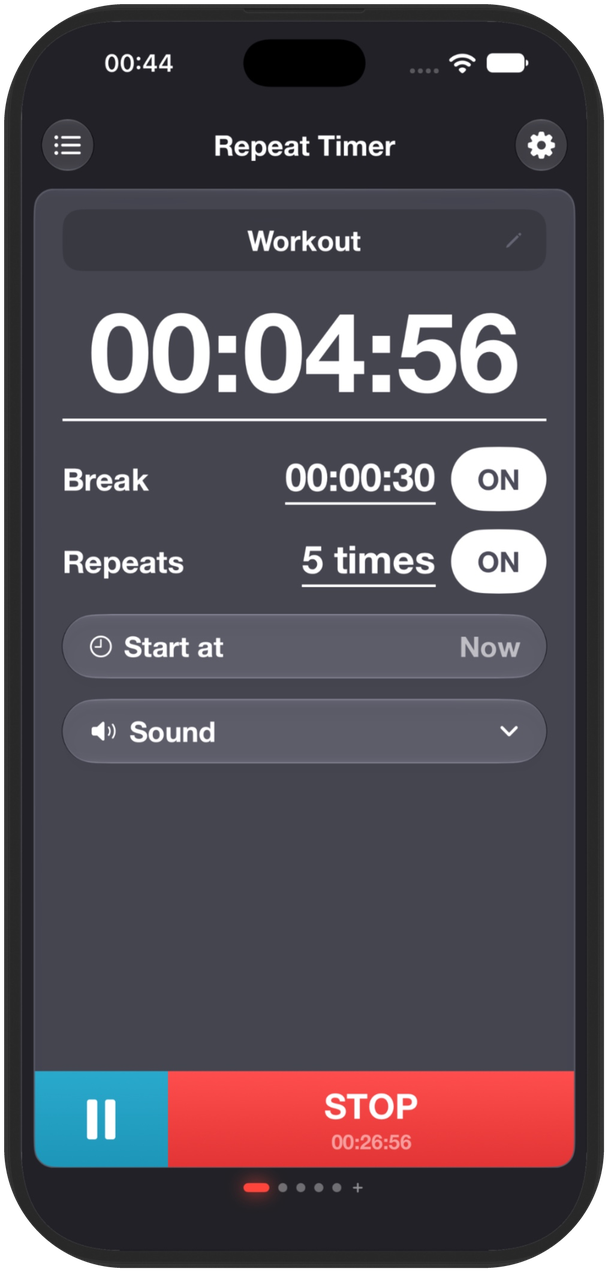
Repeat Timer for iPhone runs your work and rest rounds in the background, with alerts you can hear across the room.