 Repeat Timer
 Download
Repeat Timer
Download
Set an interval, add an optional rest between rounds, choose how many rounds and press Start. The timer moves through every round on its own and plays a sound at each change.
Keep this tab open for the timer to keep running. Need it with your phone locked or in your pocket? Get Repeat Timer for iPhone.
An interval timer counts down a set time, signals the end, and starts the next round automatically, optionally with a rest in between. You don’t touch it between rounds, which makes it ideal for workouts and any routine that repeats.
Circuit training, running and cycling intervals, boxing and martial-arts rounds, EMOM workouts, stretching and mobility, study sessions, and reminders to take a break.
EMOM means “every minute on the minute”: start a set of reps at the top of each minute and rest for whatever is left. Use the EMOM preset: a 1-minute interval with no rest, for 10 rounds.
Set Rounds to 0. The timer keeps going until you press Pause or Reset.
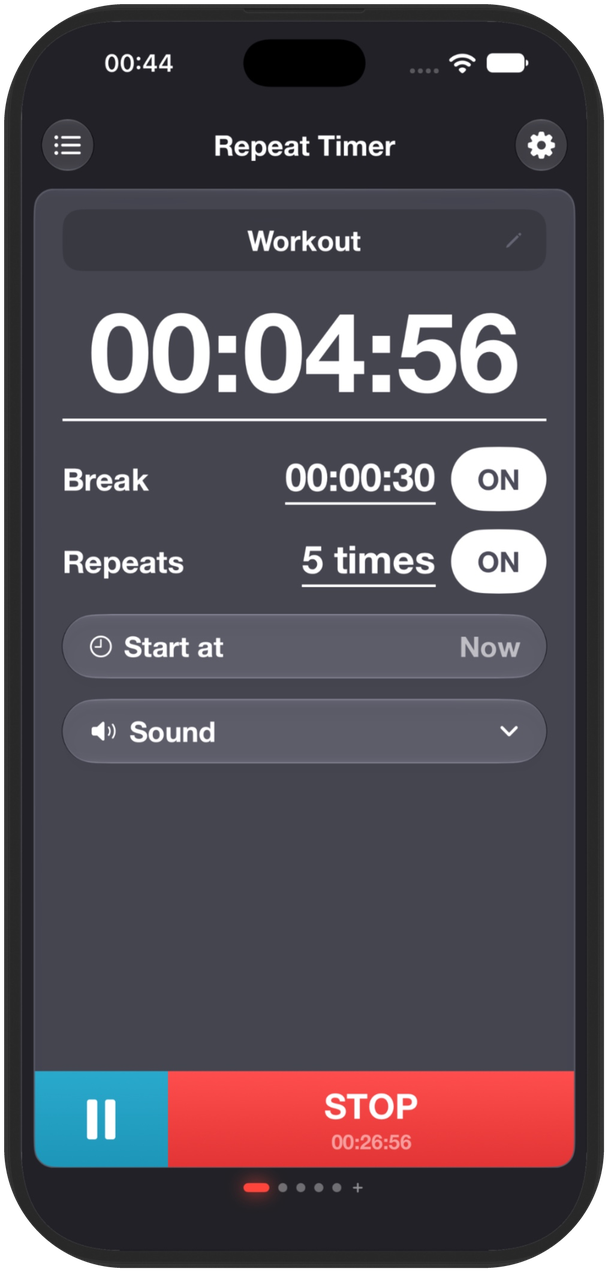
Repeat Timer keeps your intervals running in the background, even with the screen locked, and you can save several timers for different workouts.