 Repeat Timer
 Download
Repeat Timer
Download
Work for 25 minutes, take a 5-minute break, and repeat four times. Press Start and the timer handles every switch, with a sound so you don’t have to watch the clock.
Keep this tab open for the timer to keep running. Need it with your phone locked or in your pocket? Get Repeat Timer for iPhone.
It’s a time-management method created by Francesco Cirillo in the late 1980s. You work in focused blocks of 25 minutes, called pomodoros, separated by short breaks. After four pomodoros you take a longer break of 15 to 30 minutes.
It’s already set to 25 / 5 × 4. Press Start, focus until the sound, take your break, and get back to work at the next tone. When all four rounds are done, take a longer break, then press Start again.
It’s a good default, but many people prefer longer blocks for deep work. Try 50 / 10 or 90 / 20 from the presets and see what keeps you focused.
Yes. The sounds are scheduled ahead of time, so they play on time even while you work in another tab. You can also turn on desktop notifications.
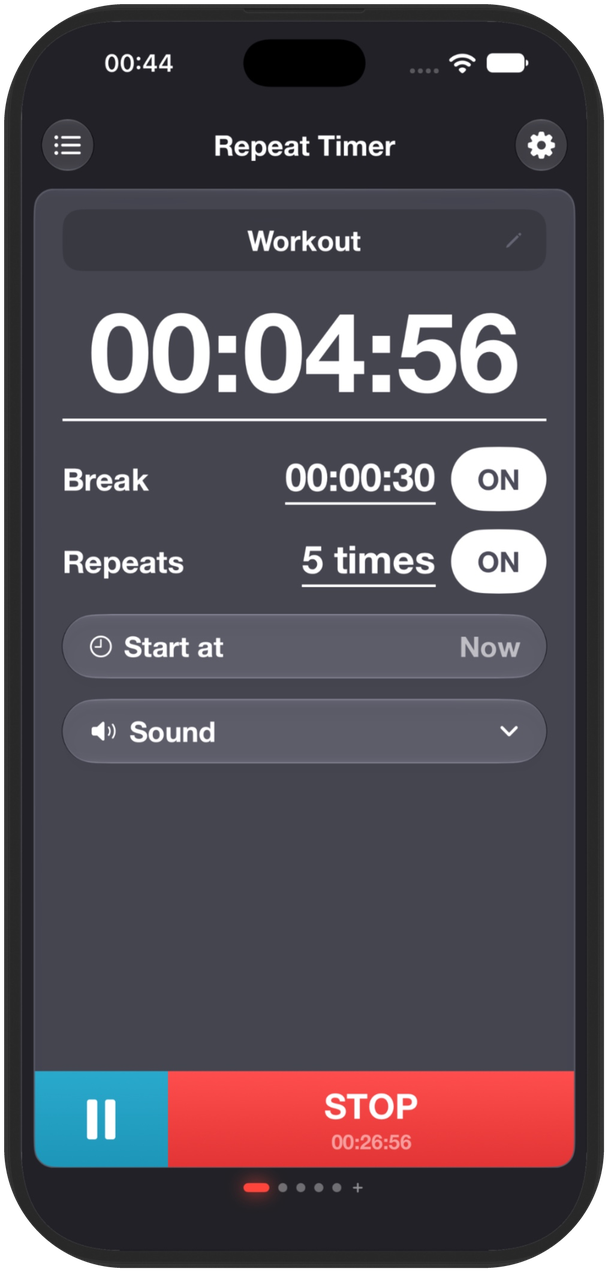
Repeat Timer runs your focus and break rounds in the background, so the timer keeps going while you work in other apps.